Script to video AI for long-form YouTube
JetMotion is script to video AI made for long YouTube videos. Paste your script, choose a template, and it plans every shot, renders in 1080p with captions, and hands back titles, a description, tags and Shorts. You see the plan before the render and can change any shot in it.
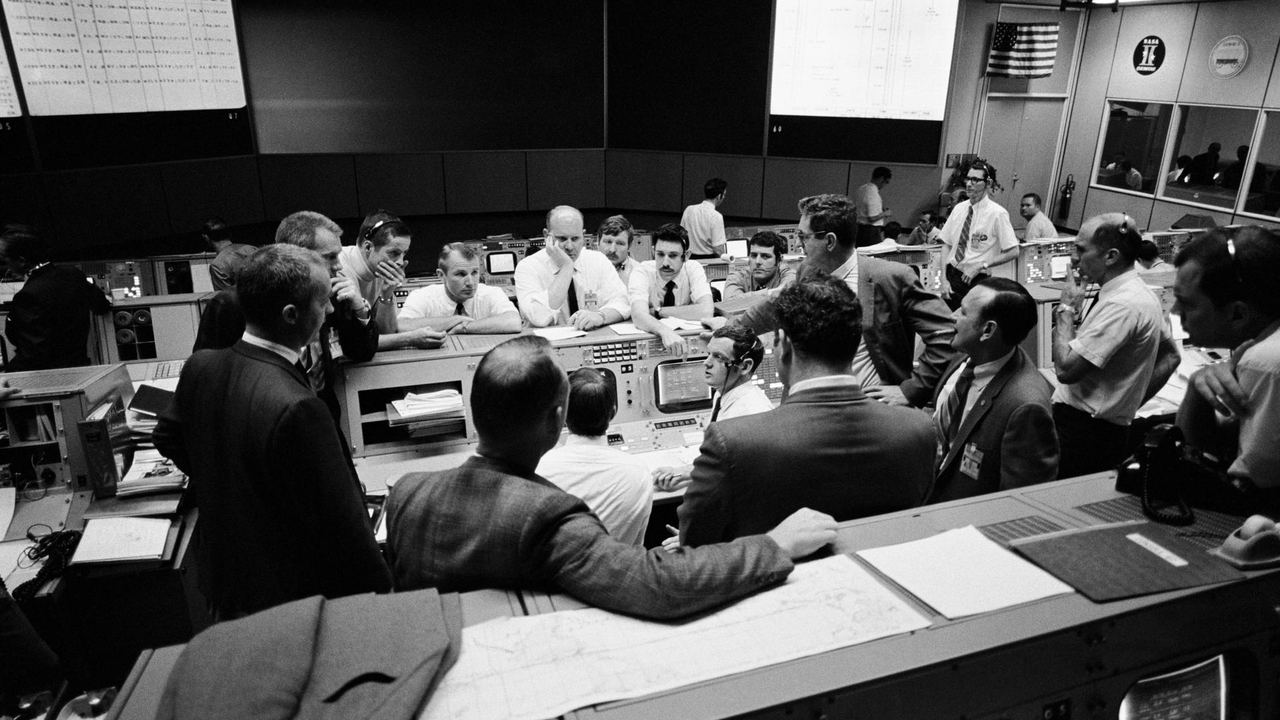
 The side of the ship is gone00:00:00 · Photo, slow pushNASA AS13-59-8562 · Public domain
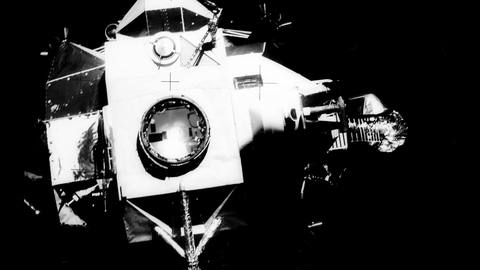
 Houston, 55 hours in00:00:06 · Photo, pan leftNASA S70-35368 · Public domain
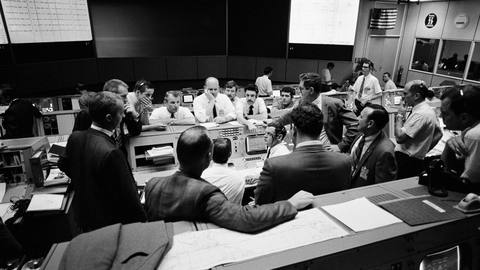
 200,000 miles from home00:00:13 · Photo + distance counterNASA AS13-60-8588 · Public domain
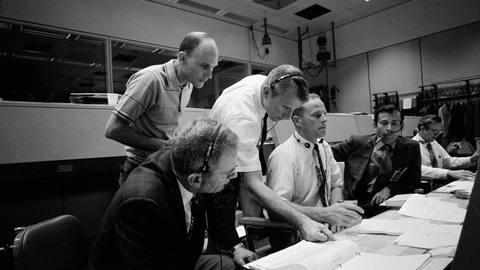 Three men, one lifeboat00:00:19 · Photo + name cardsNASA S70-34902 · Public domain
 Around the far side00:00:26 · Photo + route mapNASA AS13-60-8703 · Public domain
What happens to your script after you paste it
The script is the only creative input, so everything is keyed to it. JetMotion reads it for the things an editor would mark up: people, places, dates, numbers, quoted documents and the moments where the story turns. Each of those becomes a planned shot. A name gets a name card. A year gets a date line. A place gets a map or footage of the location. A turn in the story becomes an open question held on screen.
The result is a shot plan that runs alongside your text from the first line to the last. Stock footage with a commercial licence and public-domain archive clips fill the passages where real pictures exist. Photographs get camera motion. You read the plan, swap what you do not like, and only then does the render start. Nothing is locked until you say so.
How script to video differs from prompt-based generators
A prompt-based generator takes a sentence and produces a few seconds of invented footage. That suits ads and social clips. It is a poor fit for a 12-minute narrated video, where the pictures have to match specific facts for the whole runtime. JetMotion does not generate video clips. It edits real footage, photographs and motion graphics to the words you wrote, which is closer to hiring an editor than to prompting a model.
Writing a script that converts well
Specific scripts make better videos, because specific words can be shown. "The factory closed" gives the engine little to work with. "The Packard plant in Detroit closed in 1958" gives it a name, a city and a year. As a rough guide, narration runs at about 150 words a minute, so a 1,500-word script lands near 10 minutes and 10 credits.
- Name people, places and years in full the first time they appear
- Open with your strongest fact or image, since the first frame uses it
- Raise a new question every 60 to 90 seconds of narration
- Quote documents word for word if you want them shown as close-ups
- Cite your sources so they can go in the description
Script or voiceover: two ways in
You can start from text or from audio. If you paste a script, JetMotion voices it and cuts the video to that narration. If you have already recorded the narration yourself, upload the voiceover file and the edit is built around your recording, with your pauses and emphasis kept. Creators with an established voice on their channel usually take the second route. Both produce the same package, and both work in English only at launch.
What you have when the render finishes
A script goes in and an upload comes out. Along with the 1080p video and captions you get Shorts cut from it, five title options, a description with a keyword first line, chapters and sources, a tag list, a pinned comment and an AI thumbnail with one face and 2 to 4 big words. The shot log sits with the video and lists the source and licence of every shot used.
From script to upload in three steps
Paste the script
Add the full narration for one video, or upload a recorded voiceover. Choose the template that matches the subject, such as News explainer or Inside the machine.
Edit the shot plan
Read the planned shots next to your text. Replace any clip, photo or graphic that misses the point of the line it covers.
Render in 1080p
The first video renders straight away. Download the video, captions, Shorts and the title, description and tag set when it finishes.
One credit. One finished minute
Shorts, AI thumbnail and metadata are included on every plan.
Yearly saves 15% and adds a bonus month of credits on day one
Free
Try it before you pay
- Long videos up to 5 minutes, from your own script
- 1 free animated Short, plus 1 bonus Short from your video
- A natural HD voice and the documentary template
- Made at full speed, first in the queue
- Gameplay uploads up to 10 minutes
- 1 channel analysis and 1 open niche from the library
- Edit your video for 5 hours, with 1 free re-render
- One free start per person
Starter
One channel, one proven format
- Long videos up to 8 minutes, from your own script
- Case-footage videos (bodycam, interrogation, court) from ready cases
- 5 free standalone Shorts a month, 1 bonus Short from every long video
- 6 standard voices plus 10 HD voice minutes
- 30 fast minutes a month, then free scheduled delivery
- Niche library: 10+ researched niches with proof channels
- 3 channel analyses a month: niche, audience and what works
- Save every video to your Google Drive
- Title, description, tags and an AI thumbnail (standard image model)
- Edit documentaries for 5 hours after they are ready: 7 free re-renders a month
Studio
For channels publishing every day or two
- Long videos up to 15 minutes
- Script written for you from a topic
- 10 free standalone Shorts a month, 3 bonus Shorts from every long video
- More English voices, 18 more languages in natural HD voices at the standard price, 120 HD minutes, ElevenLabs voices
- 150 fast minutes a month and a priority queue
- 25-day planner from your channel link: up to 12 videos planned and made for you
- 8 channel analyses a month: niche, audience and what works
- 1 free channel kit a month (names, logo, banner, tags); in-depth kits 12 credits
- AI thumbnail with our best image model
- Niche library: 20+ niches, full channel data and CSV export
- Schedule straight to YouTube (coming soon)
- Save every video to your Google Drive
- Edit documentaries for 12 hours after they are ready: 12 free re-renders a month
Pro
For operators running several channels
- Long videos up to 25 minutes
- Script written for you from a topic
- 15 free standalone Shorts a month, 3 bonus Shorts from every long video
- Every voice and language, 300 HD minutes
- ElevenLabs with emotion, or your own key at 1 credit a minute
- Always fast, first in the queue
- 25-day planner: up to 30 videos
- Daily Autopilot: tracks your channel and competitors and makes each upload from what takes off
- 15 channel analyses a month
- 2 free channel kits a month; in-depth kits 8 credits
- AI thumbnail with our best image model
- Niche library: unlimited, every niche with revenue estimates and CSV export
- YouTube autopilot: made, uploaded and scheduled for you (coming soon)
- Save every video to your Google Drive
- Edit documentaries for 24 hours after they are ready: 20 free re-renders a month
Your first video renders straight away on every plan. Refer a creator and earn 15% of what they pay, as credits. Need API or MCP access, or more volume? Talk to us
Questions people ask
Does JetMotion write the script for me?
No. JetMotion works from your script or your voiceover. The writing, the research and the angle are the creator's part of the job, and the tool is built for everything that comes after: footage, edit, captions, graphics and the upload package.
How long a script can I use?
The limit is the finished length of the video: 8 minutes on Starter, 15 on Studio and 25 on Pro. At a typical narration pace of about 150 words a minute, that is roughly 1,200, 2,250 and 3,750 words. Treat those word counts as estimates, since pace varies with the voice.
How many credits does a script use?
One credit per finished minute of long video. A script that renders to 9 minutes uses 9 credits. Starter includes 120 credits a month, Studio 360 and Pro 900. Each plan includes free standalone Shorts every month, and extra ones cost 1 credit each from your own script, or 1.5 from just a title.
Can I change shots after I see the plan?
Yes. The shot plan is shown before the render and any shot in it can be swapped. That is the intended workflow: the engine proposes the edit, you correct the handful of shots where your knowledge of the subject is better, and then it renders.
Does script to video work in other languages?
English only at launch. If you publish in several languages, some other script to video tools support more of them, and that may matter more to you than anything on this page. Captions and narration are in English as well, on every plan.
How long does a render take?
The first video you submit starts rendering straight away, and a 15-minute video usually finishes in under an hour. Queue position depends on the plan: standard on Starter, priority on Studio, first in queue on Pro. Studio and Pro can also schedule delivery for set days.
Related
Your next video is one idea away
Sign up and get 5 free credits and 1 free Short. No card needed, and your first video starts straight away.